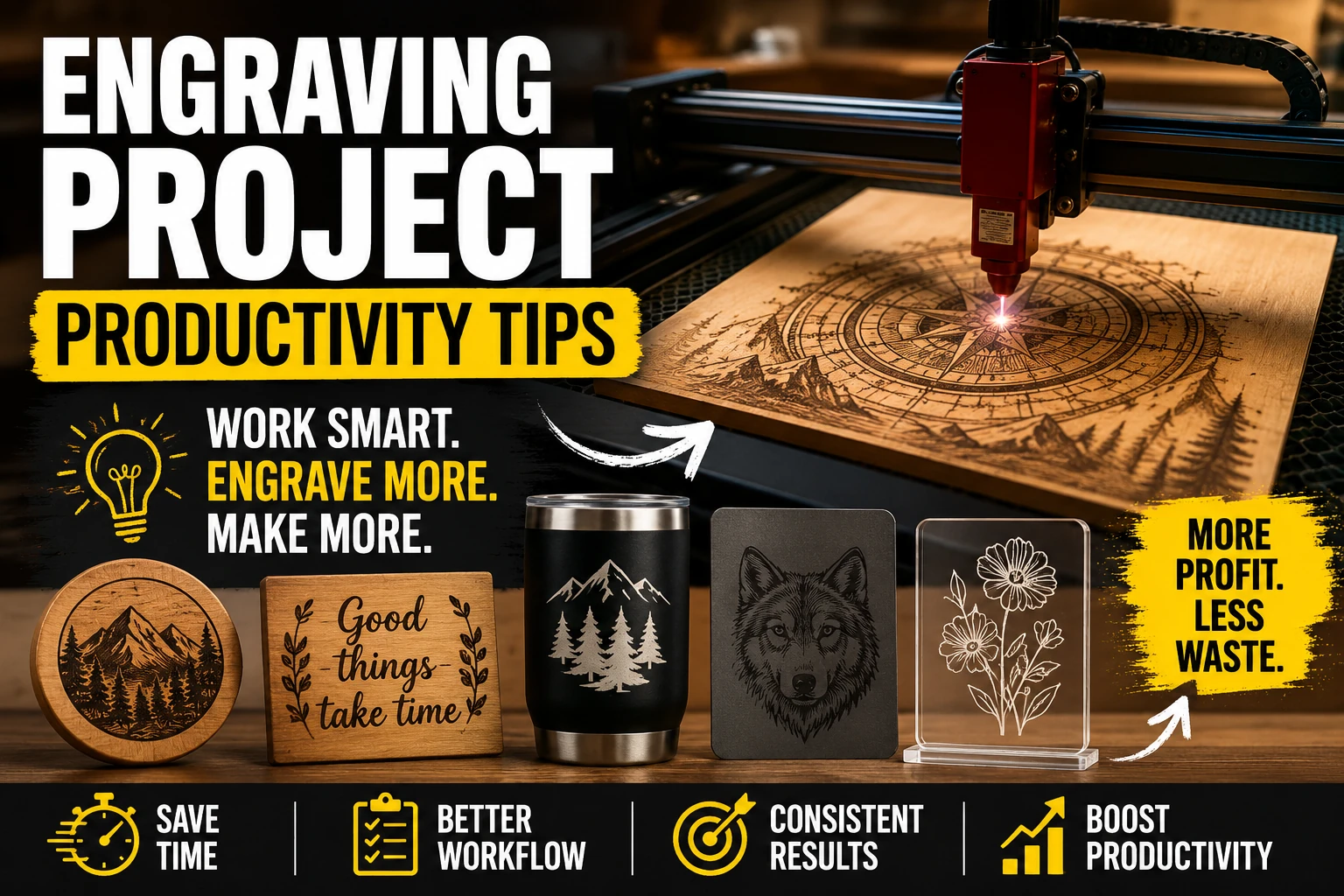
What Are Your Best Engraving Project Productivity Tips? A wood laser cutter User's Guide to Faster Production
If you've spent any time running a laser business, you already know that creating beautiful products is only half the battle. The real challenge is producing consistent, high-quality work without wasting hours on setup, testing, and fixing mistakes.
Whether you're making signs, gifts, home décor, or custom products, improving productivity can dramatically increase your profits. The good news is that most productivity gains don't come from buying new equipment—they come from improving your workflow.
Here are some of the best engraving project productivity tips used by experienced makers and professionals working with a wood laser cutter every day.
Start With Proven Files Instead of Designing Everything From Scratch
One of the biggest productivity killers is spending hours creating designs that have already been made thousands of times before.
For common products such as:
- Coasters
- Ornaments
- Signs
- Name plaques
- Layered wall art
- Gift items
Using professionally prepared files can save enormous amounts of time.
Instead of spending an evening creating vector artwork, testing cut paths, and adjusting dimensions, you can move directly into production and customization.
This is especially valuable when handling customer orders where turnaround speed matters.
Build Material Presets for Your woodworking laser cutter
Many makers repeat the same testing process every time they load a sheet of material.
A better approach is creating a material library.
For each material, record:
- Power settings
- Speed settings
- Pass count
- Air assist settings
- Focus height
- Material supplier
A well-organized preset library allows your woodworking laser cutter workflow to become almost automatic.
After a few weeks, you'll rarely need to run material tests for common jobs.
Batch Similar Jobs Together
Switching between projects creates hidden productivity losses.
For example:
Instead of engraving:
- One sign
- Then one coaster
- Then one ornament
Group similar projects together.
Benefits include:
- Fewer material changes
- Less machine setup
- More efficient nesting
- Reduced operator errors
Batching is one of the simplest ways to increase daily output without increasing work hours.
Optimize Your laser engraving on wood Workflow
Most laser businesses spend more time preparing files than actually running the laser.
To improve laser engraving on wood productivity:
Use Templates
Create reusable templates for:
- Signs
- Business logos
- Name tags
- Personalized gifts
This allows quick customization without rebuilding layouts.
Save Common Design Elements
Store frequently used:
- Borders
- Frames
- Decorative flourishes
- Product dimensions
A few seconds saved on every project becomes hours saved each month.
Standardize Product Sizes
Using standard dimensions simplifies:
- Material purchasing
- Packaging
- Pricing
- Production
The less variation you introduce, the faster your workflow becomes.
Reduce Cleaning Time After laser engraving on metal
Many makers focus on machine speed while ignoring post-processing time.
For laser engraving on metal, productivity often depends on what happens after the engraving finishes.
Helpful strategies include:
- Using masking when appropriate
- Organizing finishing stations
- Keeping cleaning supplies nearby
- Processing multiple pieces at once
Reducing cleanup by just one minute per item can save several hours across large production runs.
Use Jigs for Repeat Orders
Jigs are one of the highest-return productivity upgrades available.
Benefits include:
- Faster alignment
- Consistent positioning
- Reduced mistakes
- Faster loading and unloading
They're especially useful for:
- Tumblers
- Coasters
- Business cards
- Tags
- Small gift items
A simple jig can reduce setup time by 80% or more.
Improve Production Efficiency for laser engraving on acrylic
Many makers lose time handling acrylic incorrectly.
To make laser engraving on acrylic more efficient:
- Leave protective film on until finishing
- Nest designs tightly
- Group identical products
- Use saved acrylic presets
- Prepare material before machine time starts
The laser should spend most of its time running—not waiting for materials to be prepared.
Organize Your Design Library
As your business grows, finding files becomes a major bottleneck.
Create folders based on:
- Product type
- Season
- Material
- Customer category
A searchable design library can save countless hours throughout the year.
Many experienced makers report that organization improvements deliver larger productivity gains than machine upgrades.
Let Your metal laser cutter Run Longer Jobs
Many operators unintentionally reduce output by focusing only on short projects.
If you own a metal laser cutter, consider scheduling:
- Large engraving batches
- Long-running production jobs
- Multiple-part nesting layouts
during periods when you can monitor the machine without constant intervention.
Efficient scheduling often produces greater gains than increasing machine speed.
Create Standard Operating Procedures
Document your most common tasks.
Examples include:
New Order Process
- Import artwork
- Verify dimensions
- Apply template
- Generate toolpaths
- Run test piece
Production Process
- Load material
- Verify focus
- Confirm settings
- Start production
- Inspect output
Documented workflows reduce decision fatigue and make training easier as your business grows.
Track Your Biggest Time Wasters
Most makers underestimate where their time goes.
For one week, track:
- Design time
- Material preparation
- Machine runtime
- Cleaning
- Packaging
- Shipping
The results are often surprising.
Many discover that machine operation accounts for less than half of total production time.
Once bottlenecks become visible, they're much easier to eliminate.
Focus on Revenue Per Hour
The goal isn't simply faster engraving.
The goal is increasing revenue per hour worked.
Sometimes:
- Better organization
- Better files
- Better presets
- Better batching
create larger profit increases than buying a more powerful laser.
Small workflow improvements compound over time and can dramatically increase business efficiency.
Conclusion
The most productive laser businesses aren't necessarily the ones with the fastest machines. They're the ones with the best systems.
By using proven files, building material presets, creating jigs, batching projects, and organizing your workflow, you can complete more projects in less time while maintaining consistent quality.
Whether you're using a wood laser cutter, a woodworking laser cutter, or a metal laser cutter, productivity improvements often come from refining your process rather than purchasing new equipment.
Start by implementing just two or three of these tips this week. The cumulative time savings can quickly transform your engraving business and free up more time for creating products customers love.
FAQ
Where can I find downloadable laser cutter projects?
Downloadable laser cutter projects are available from design marketplaces, creator communities, and specialized laser file providers. Look for files that include tested cut settings, clean vectors, and commercial-use licensing if you plan to sell products.
What is the fastest way to improve engraving productivity?
Creating material presets and using reusable templates typically provide the fastest productivity gains because they eliminate repeated setup and testing.
Do jigs really make a difference?
Yes. For repeat products, jigs can significantly reduce setup time while improving alignment accuracy and reducing wasted materials.
Is batching projects worth it for small businesses?
Absolutely. Even small shops can save substantial time by grouping similar products and minimizing material changes between jobs.
Should I design my own files or buy them?
Both approaches work. However, using proven production-ready files often allows businesses to start generating revenue much faster while reducing design time.
"